

Using AI to Fix Your Website
Just like anything, things break. It happens. That includes your website.
But with AI, you can now see what may be the issue yourself.
What to Do
Use any of the free AI tools (ChatGPT, Google Gemini, Claude). These usually allow you to use them for free.
You may or may not need to use an email to sign up.
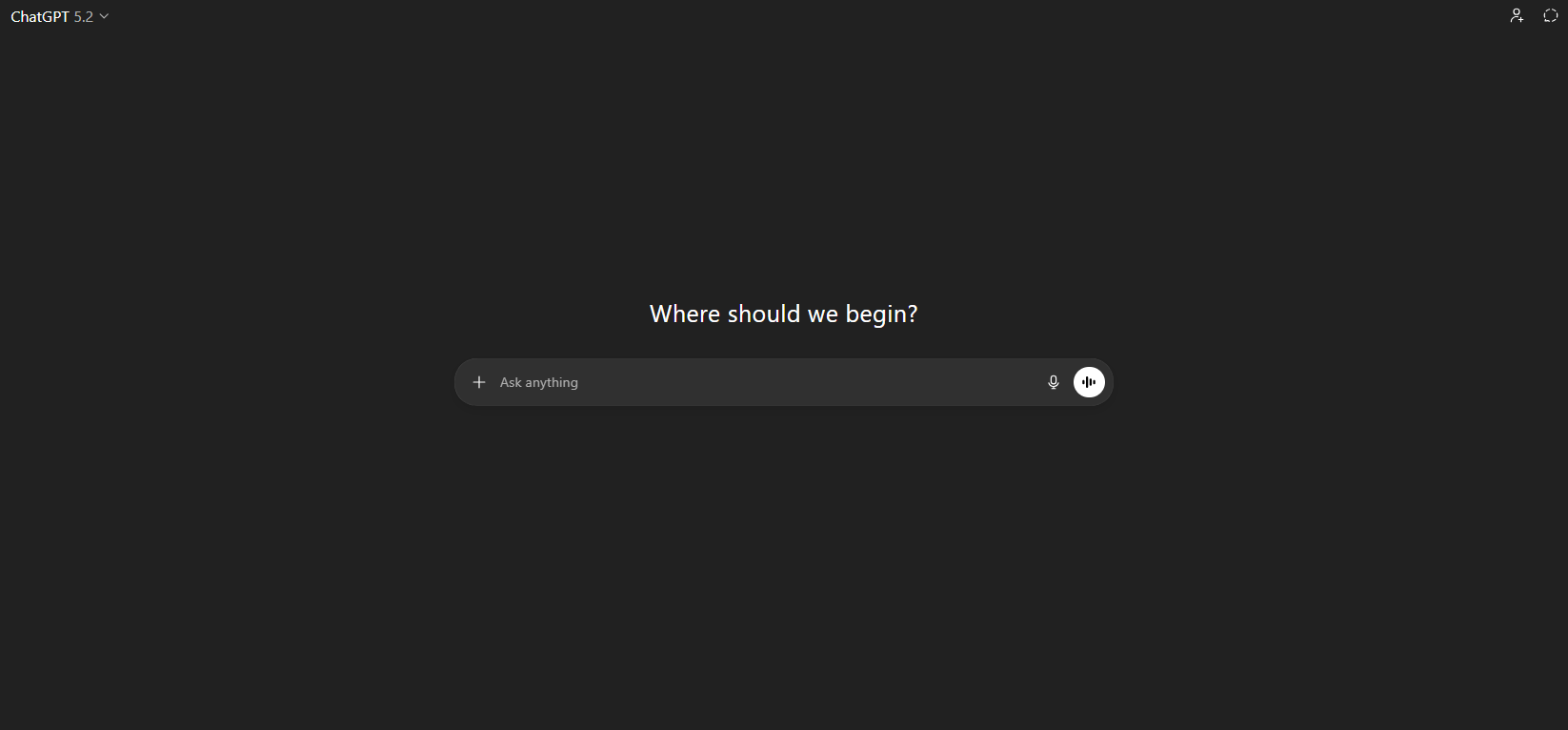
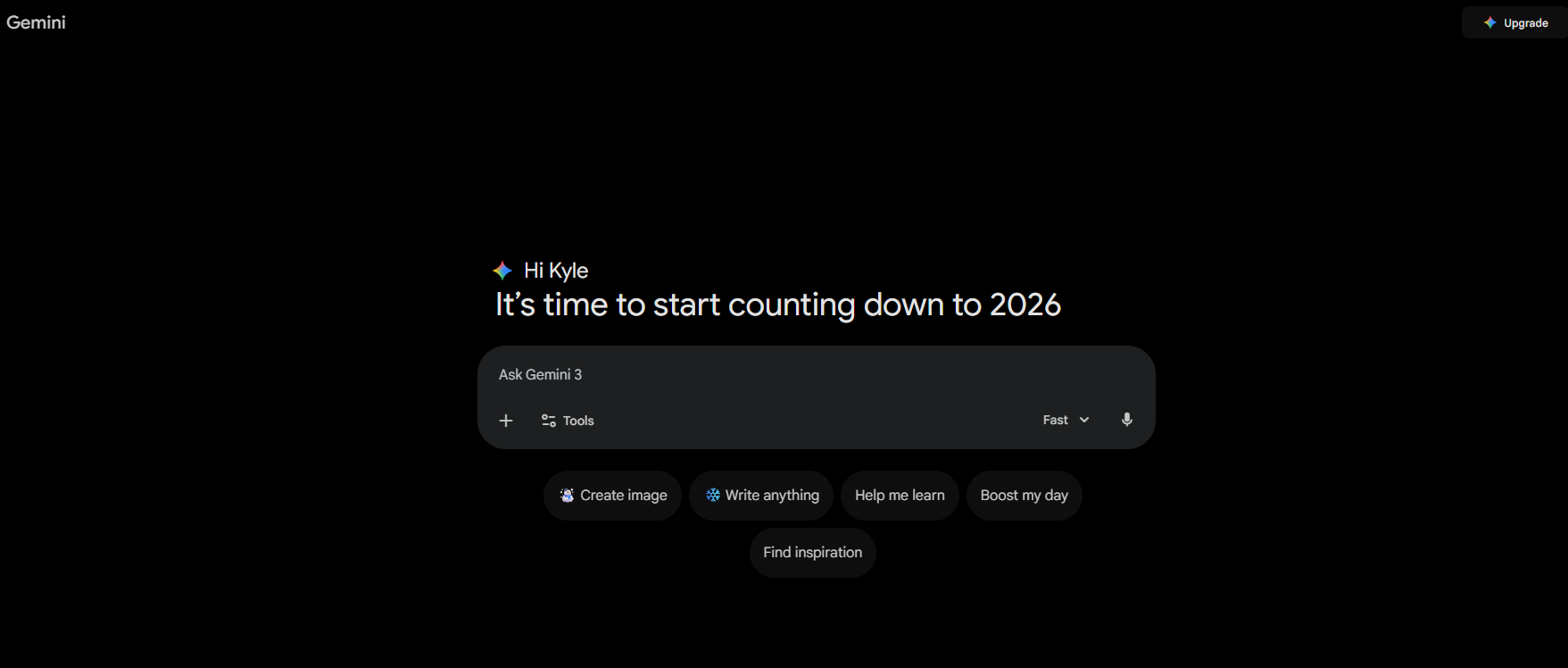
Once ready, just type or talk (with your microphone) what the issue is in the search box.
Look at your site and explain what is happening. Sometimes it tells you the issue.
Below Are Some Common Issues
- 404 error
- There has been a critical error on your website
- Error establishing a database connection
- Too many redirects
- DNS issue
- White or blank page
Make sure to be descriptive. You might need to ask it more than once or tell it to try again.
It will usually take a few seconds to display the answer or next steps.
Now What?
If you are going to try and fix it yourself, it is a good idea to make sure your site has daily backups so you can revert and update if needed.
You can then start typing into the AI applications what the next steps are. They will usually give you directions on how to fix it or what to look for.
You may not have the time to fix it and/or are looking for assistance. If that is the case, feel free to contact us, and our expert web design team should be able to assist.

Join our newsletter, where you will learn educational info on latest insights, tips and best practices.
Share:
About Us
Did you know more than 200 clients have worked with PaperStreet for more than 10 years?
Get a Free Website
Analysis and Consultation
Marketing Services